- Premium partner
- Expertise
Why Harmony and MuleSoft?
Premium partner, with certified consultants who do this every day.
That way we work as an extension of your own IT team, from architecture and implementation to 24/7 management.
Harmony is a MuleSoft Premium partner and has been building integrations for years for organisations whose processes run day and night.
Anypoint Platform is the more complete of our two platforms, built for landscapes where many systems have to connect, in the cloud or within your own infrastructure.



Anypoint Platform is the enterprise iPaaS from Salesforce, on which we build integrations as APIs.
Every API is published for reuse in Anypoint Exchange. The runtime runs in CloudHub 2.0, on Runtime Fabric or on-premises.

We believe IT drives innovation and delivers growth.
Our focus is on digital harmony: removing friction so that people, processes and platforms fit together. That is where the time to work on growth comes from.
Premium partner, with certified consultants who do this every day.
That way we work as an extension of your own IT team, from architecture and implementation to 24/7 management.
What we do
A MuleSoft implementation at Harmony runs from API architecture and build to management after go-live, for clients in the Netherlands, Belgium and Luxembourg. That can be a full implementation project, or a MuleSoft consultant who joins your team on an environment that is already running.
Integrations become APIs in layers, so a source system is opened up once and can then be reused by every project that follows.
We connect ERP, CRM, databases and SaaS through Anypoint's connectors, and build whatever is not there ourselves.
Policies, access and versioning per API in API Manager, so reuse does not come at the expense of control.
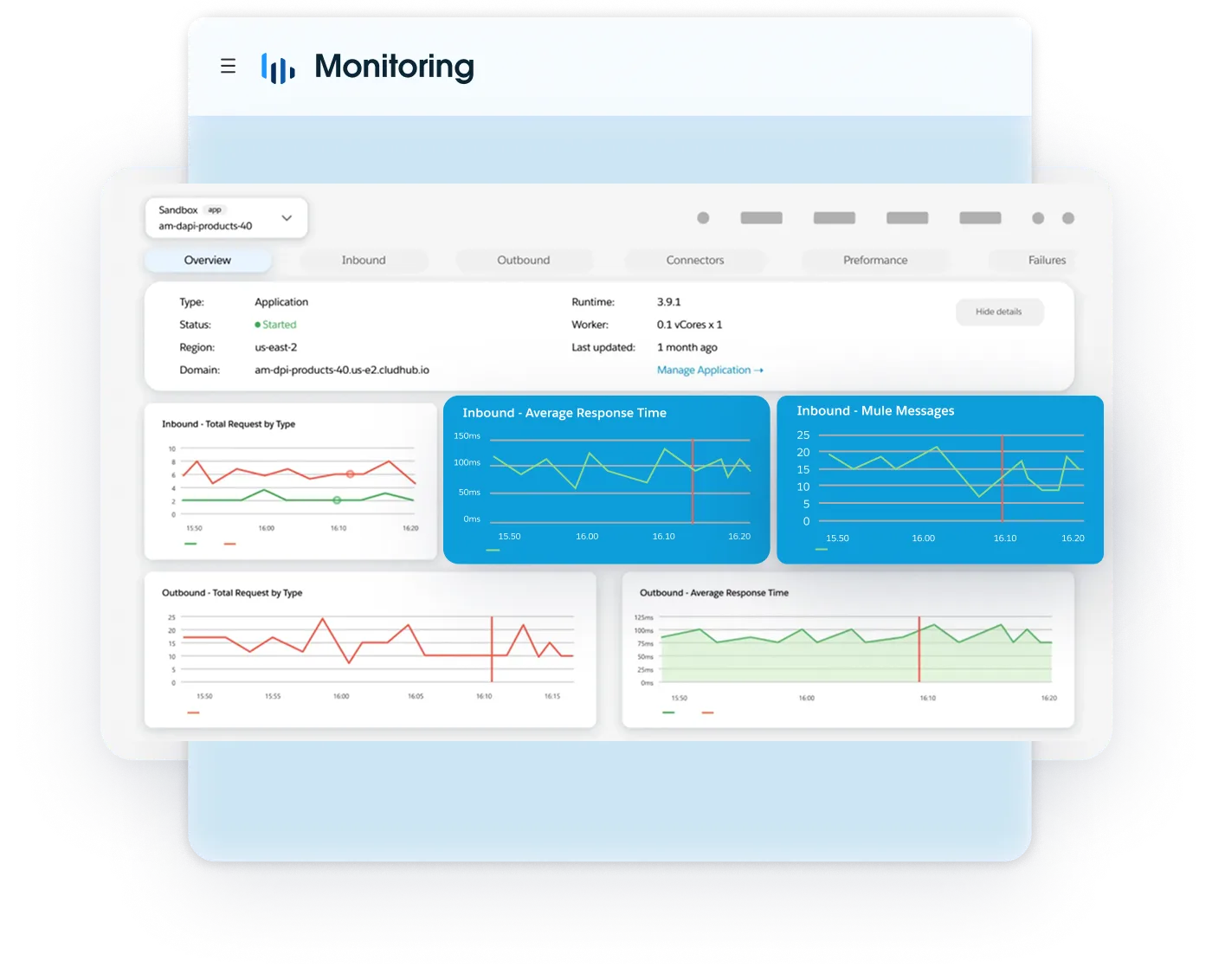
CloudHub 2.0, Runtime Fabric or on-premises, with proactive monitoring and a service desk available 24/7.

Our approach
After the first two steps you know whether this is the right platform, with an integration from your own landscape already running. We usually take these steps in this order, and they have proven themselves in practice.
We map your application landscape, the existing integrations and the processes around them, and decide together whether MuleSoft is the right choice. If Frends is the better fit, we tell you at this stage.
We build a real integration from your own landscape in a secure test environment. Your own data and your own systems on both ends, so the decision rests on something tangible.
We define the API architecture: which layer exposes which system, where the runtimes run, how versions and policies are managed, and how compliance requirements are built into the design rather than added afterwards.
Environments, user management and the CI/CD pipeline are set up, then the APIs are developed and tested in an Agile way. Each integration only goes live after your approval and is then handed over to support.
Proactive monitoring of APIs and platform by a service desk available 24/7. In the event of an incident, we analyse it, liaise with third parties where needed and roll out the fix. Through Service Level Management, we propose improvements.
Where we use it
Harmony has been delivering integrations at the largest organisations in the Benelux for years. Below is what that achieves in each sector.
Another sector? No problem. We have broad experience.
Talk to an expert


Healthcare runs on systems that never learned to understand each other, while the standards for data exchange keep getting stricter. This is what an integration layer solves there.
Data from the electronic client or patient record, laboratory systems and pharmacy comes together, so nobody has to piece the story together again.
Messaging in HL7 and FHIR, with logging to NEN 7513, so you can show afterwards what was exchanged.
Rosters, availability and appointments stay in sync between the source system and the channels where clients and staff look.
Registrations flow through to claims and billing, and rejections come back to the place where they can be resolved.
In a fibre rollout, a single order passes through sales, planning, the contractor and billing, each with its own system. This is what an integration layer solves there.
The whole chain from order to delivery runs as one flow, with every handover automated and traceable.
CRM, billing and self-service show the same status, so customer service does not have to guess which system is right.
Data on build, capacity and faults reaches planning and the technician without an export in between.
A migration or a rollout wave of thousands of connections runs through the chain without anyone dividing up batches by hand.
On the shop floor, machines and systems from different generations sit side by side, while the office expects real-time figures. This is what an integration layer solves there.
Production orders, confirmations and time registration flow between ERP and the shop-floor systems without double entry.
An order from sales or a customer portal reaches planning and purchasing without retyping.
Stock, purchasing and production planning look at the same figures, so a shortage shows up before the line stops.
Measurement and inspection data stay attached to the batch, so an audit or a recall does not turn into a search.

Comparison
MuleSoft and Frends are both integration platforms, but they are built for different situations. MuleSoft suits organisations that set up integration broadly and in a standardised way. Frends suits teams that want to start quickly and keep things compact.
Harmony delivers both, so the choice does not have to be made in advance. We look at your landscape first and then tell you which platform fits. Below, you see them side by side.
| Comparison criteria | Frends iPaaS | MuleSoft Anypoint Platform |
|---|---|---|
| Architecture and infrastructure | Hybrid network of lightweight .NET 8 agents, with a control panel in the cloud or on-premises. | API-led network of JVM runtimes: CloudHub 2.0, Runtime Fabric or on-premises. |
| Air-gapped capability | Designed for isolation. Agents and control panel work autonomously, with offline distribution of NuGet artefacts. | Possible via Anypoint PCE, with a heavy Kubernetes cluster and complex on-premises maintenance. |
| Total cost of ownership | Volume-based, on monthly executions. Unlimited agents and processes, no extra cost for microservices. | Capacity-based, on vCores or API calls. Higher entry cost and modular add-ons for MQ, monitoring and connectors. |
| Profile and development languages | C#, .NET and BPMN 2.0. Gentle learning curve for regular back-end and full-stack developers. | Mule XML, DataWeave and Java. Steep learning curve and certified specialists. |
| Development speed and reusability | Visual canvas with C# snippets. Custom connectors become ordinary NuGet packages. | AI-assisted Anypoint Code Builder. Custom connectors require the Java or Mule SDK. |
| Data sovereignty and legal framework | European entity, GDPR-native. Not subject to the US CLOUD Act. | Salesforce, a US entity. Subject to the US CLOUD Act. |
| Error handling and observability | Traceability per BPMN step, with try-catch and automatic retry. | Anypoint Visualizer and Titanium monitoring, with proprietary on-error scopes. |
| Scalability and peak load | Horizontal agent groups behind a load balancer, asynchronous via Azure Service Bus or RabbitMQ. | Multi-AZ replicas in CloudHub 2.0, with autoscaling and Anypoint MQ. |
| Vendor lock-in | Limited. The logic is written in standard C# and can be moved to any .NET environment. | Considerable. DataWeave logic needs manual rebuilding or conversion tools when you migrate. |
| AI and agentic innovation | Early adoption of the open Model Context Protocol, including local, isolated LLMs. | Strong integration through Salesforce Agentforce and the MuleSoft AI Chain framework. |
A short conversation is usually enough to tell how we can best get you started.
 Integrations
30 January 2026
Why Epic Vereniging NL chose Harmony and MuleSoft for a shared API platform.
 Integrations
6 January 2026
Why the Epic hospitals are jointly choosing a modern API management platform.
 Integrations
20 January 2025
Why an integration platform is indispensable for making data available securely and system-independently.